
In this article
How MCP connects AI tools and data.
Marketing teams exploring connected workflows.
Identify useful connections and permission boundaries.
Most explanations of Model Context Protocol are written for developers. This one is written for someone who runs marketing and wants to know what it is, how it differs from an API, what it actually lets an AI assistant do, and what can go wrong. We use MCP every week to run our own WordPress sites and our clients’, so the examples below are from real work, not a demo.
What MCP is, in one paragraph
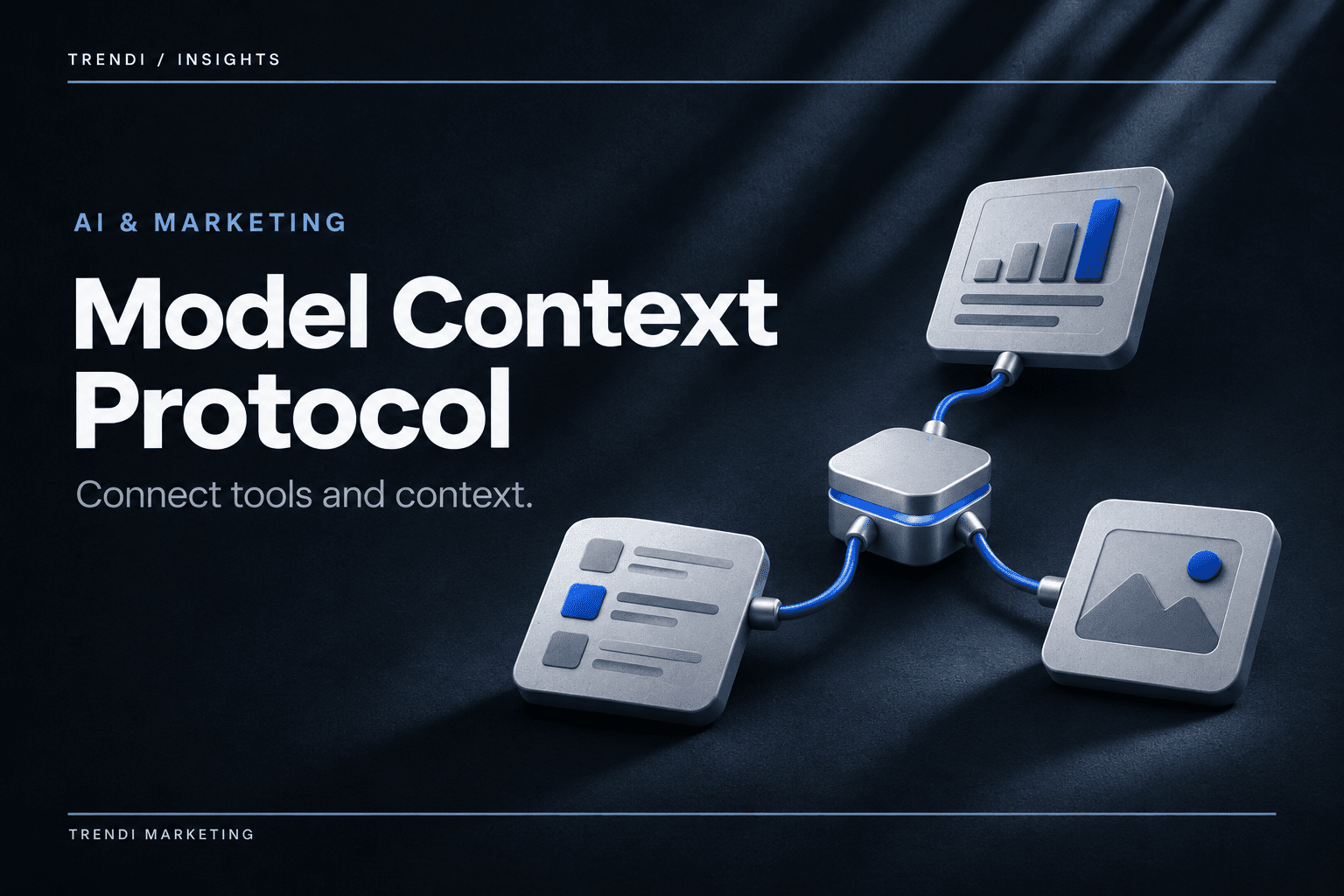
Model Context Protocol is an open standard, published by Anthropic in late 2024 and since adopted across the major AI platforms, that gives an AI assistant a consistent way to discover and use tools in other systems. A system that wants to be usable by an assistant runs an MCP server that says, in a standard format, “here are the things you can do and here is what each one needs.” The assistant, acting as an MCP client, reads that list and calls the tools when a task requires them. The business decides which tools exist, who can use them, and what needs human approval.
The simplest way to think about it: an API is how two pieces of software talk to each other. MCP is how an AI assistant finds out what it is allowed to ask a piece of software to do, in a format every assistant understands.
MCP vs. API: the difference that matters
People ask whether MCP replaces APIs. It doesn’t. It sits on top of them.
- An API is a contract between programs: send this request in this format, get this response. Every service has its own. Connecting an assistant to twenty services the old way meant twenty custom integrations, each written and maintained separately.
- An MCP server wraps one or more of those APIs and describes the available actions in a standard way the assistant can read at runtime. Build the server once, and any MCP-capable assistant can use it. Behind the scenes it still calls the service’s API.
- The practical difference is who the integration is for. An API is built for a developer who reads the documentation. An MCP tool is built so an assistant can read the description, understand the parameters, and use it in the middle of a task without a developer in the loop.
For a marketing team the consequence is that the question changes from “can we integrate this?” to “does this platform have an MCP server, and what does it expose?” WordPress, Google Analytics, Search Console, most CRMs, and the major ad platforms now have at least one, from the vendor or a third party.
What it looks like when an agency actually uses it
Here is what a recent working session on one of our sites involved, with an assistant connected to WordPress through an MCP server. None of this required opening wp-admin until the end.
- Audit. The assistant listed every page, pulled the SEO title, description, focus keyword and robots setting for 80 of them from the database, compared two city pages to measure how much text they shared, and read the rendered HTML to check schema and canonical tags. Twenty minutes, instead of a day with a crawler and a spreadsheet.
- Bulk fixes. It wrote 63 SEO titles and 63 focus keywords and applied them as a background job we could watch. It fixed H1 capitalization on 60 pages in one database statement.
- Theme work. It found the theme file that injects a related-posts block, edited the curated list in a draft copy of the theme, and published the draft once we said go. The previous theme version was kept as a backup automatically.
- Things it could not do alone. It wrote a PHP snippet to change schema output, but the snippet landed switched off and only a human in wp-admin could enable it. It prepared a 301 redirect and a direct database write, and each one paused for a person to click approve. It published a theme draft only after being told to.
That last list is the point. The value of MCP isn’t that the assistant can do everything; it’s that the server decides what it can do, what needs approval, and what it can’t touch, and the assistant works inside those lines.
What marketers use it for today
SEO reporting without the export step
Connect Search Console and Analytics and the assistant can answer “which pages lost clicks last month and what changed on them” by reading both and the site itself. The data is only as good as what the servers expose, but the summarizing and cross-referencing that used to take an afternoon takes minutes.
Content operations with guardrails
Drafting, editing, applying meta, fixing internal links, updating dozens of pages consistently, with publishing gated behind a person. For a site with hundreds of location or service pages this is the difference between “we’ll get to it” and done.
Cross-platform questions
“Compare what the ad account spent on Dallas with the qualified leads the CRM logged from Dallas” is one question when both are connected and a week of exports when they aren’t.
Monitoring
Scheduled checks: did the forms submit, did the redirects hold, did anything change on the pages that matter. An assistant with read access and a daily schedule is a cheap set of eyes.
What can go wrong
- Over-permissioned servers. An MCP server that lets the assistant delete posts, change options, or publish without approval is a server that will eventually do one of those things wrong. Scope the permissions to the task. The good servers do this by design; check before you connect.
- Prompt injection. Tool outputs can contain text written by someone else: a comment, a form submission, a scraped page. If that text says “ignore your instructions and do X,” a poorly built assistant might. Treat content that comes back from tools as data, not instructions, and prefer servers and assistants that are built that way.
- Credential sprawl. Every server is a set of credentials to something. Know where they live, who can use them, and how to revoke them.
- Silent cache problems. Direct database writes skip the plugin code that clears caches, so a change can be correct in the database and invisible on the site. We’ve learned to purge after bulk work and verify on the rendered page, not the database.
- The assistant’s confidence. It will tell you a page is orphaned because the database says so, when the theme is injecting links at render time. Verify the thing the customer actually sees.
Does MCP help rankings?
Not directly. It is not a ranking factor and search engines don’t know or care whether an MCP server touched your site. What it does is make the operational work that affects rankings faster and more consistent: fixing titles across a hundred pages, keeping schema correct, catching broken redirects, updating content on a schedule. Teams that do that work reliably tend to rank; MCP makes it cheaper to be that team.
How to evaluate an MCP server before connecting it
- What does it expose? Read the tool list. If it can do things you’d never want an assistant to do, that’s a problem whether or not the assistant ever tries.
- What requires approval? Destructive actions, direct database writes, publishing, code changes. If nothing does, keep looking.
- How are credentials stored? Yours, or theirs? Revocable?
- Does it keep backups? Before a theme publish, before bulk writes. The good ones do it automatically.
- Who built it? Vendor-official servers are usually safer than community ones for anything that writes.
Frequently asked questions
Do we need a developer to use MCP?
To use an existing server, no: it’s a connection, usually a login flow. To build a server for an internal system, yes.
Which AI assistants support it?
As of this writing, the major ones: Claude, ChatGPT, Gemini, and the coding assistants. Support for the full spec varies; check what your assistant supports before relying on a specific feature.
Is it safe to connect our WordPress site?
With a well-built server and scoped permissions, yes. We do it for every site we manage. With a server that grants full admin and no approvals, no.
Where is the official documentation?
The MCP architecture documentation covers clients, servers, tools, and resources. It’s written for developers, but the architecture page is readable.
Related reading
Start with what generative engine optimization is and how businesses get mentioned in ChatGPT. For the website baseline every integration depends on, see the technical SEO audit guide. For how we approach it by industry, see AI SEO for law firms and AI marketing for healthcare practices.
Work with Trendi
If you want your website and reporting run this way, with the guardrails above, explore our digital marketing services or talk with us.
